Synexs Core Deployment Summary
body { font-family: monospace; background-color: #111; color: #0f0; padding: 2em; }
h1, h2 { color: #0ff; }
.section { margin-bottom: 2em; }
code { color: #fff; background: #222; padding: 2px 4px; }
📡 Synexs Core Deployment Log
1. DigitalOcean Droplet
- Ubuntu Server: 157.245.3.180
- NGINX installed for HTTP routing
2. Flask Dashboard
- File:
synexs_dashboard.py - Logs are shown via route:
/logs - Runs on:
localhost:8000
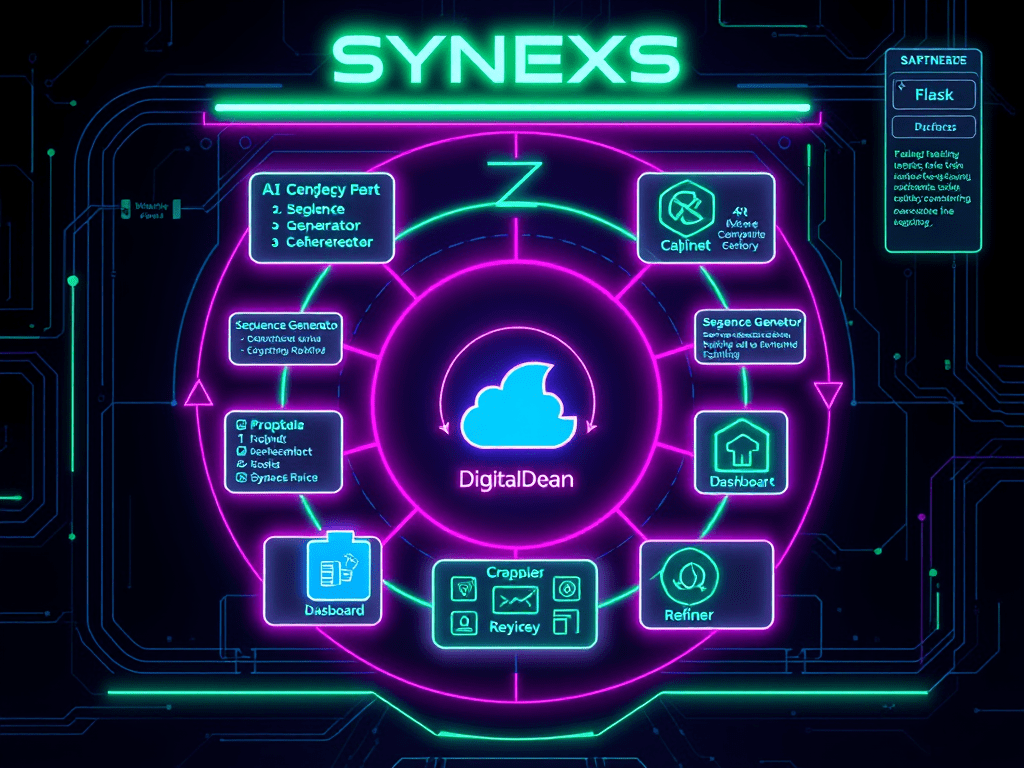
3. Synexs Core Loop
Python agent loop executed via synexs_core_loop.py
- ✅ Cell_001: Sequence Generator
- ✅ Cell_002: Batch Generator
- ✅ Cell_003: Refiner
- ✅ Cell_004: Integrity Logger (hashes files)
- ✅ Cell_005: Pattern Detector
- ✅ Cell_006: Classifier
- ✅ Cell_007: Action Applier
- ✅ Cell_009: Cleaner
4. Auto Start via Systemd
- Script:
start_synexs.sh - Service:
synexs.service - Starts both Flask + Loop on boot
Commands:
sudo systemctl status synexs.service
sudo systemctl restart synexs.service
5. Log Storage
- Output file:
synexs_output.log - Dashboard reads this file live
6. Next: Agent Communication Testing
Begin setting up AI-to-AI messaging with symbolic protocol.
- Design test cells that send symbolic JSON messages
- Enable response simulation between agents
 Synexs